hexo建站笔记之首页文章轮播图

设计特点

轮播图UI:模仿简书可以直接在每篇文章的md文件里设置是否要设为轮播图的文章
就是我们每次新写一篇文章,用hexo生成一个md文件,我们只要在头部注明是否要作为轮播图的文章比如这样:

1
2
3
4
5
6
7
title: hexo建站笔记之首页文章轮播图
carousel: true //是否设为轮播图
img: https://轮播图的图片 //轮播图图片链接
date: 2018-11-13 15:25:40
updated: 2018-11-13 15:25:40
tags: 博客
categories: 博客

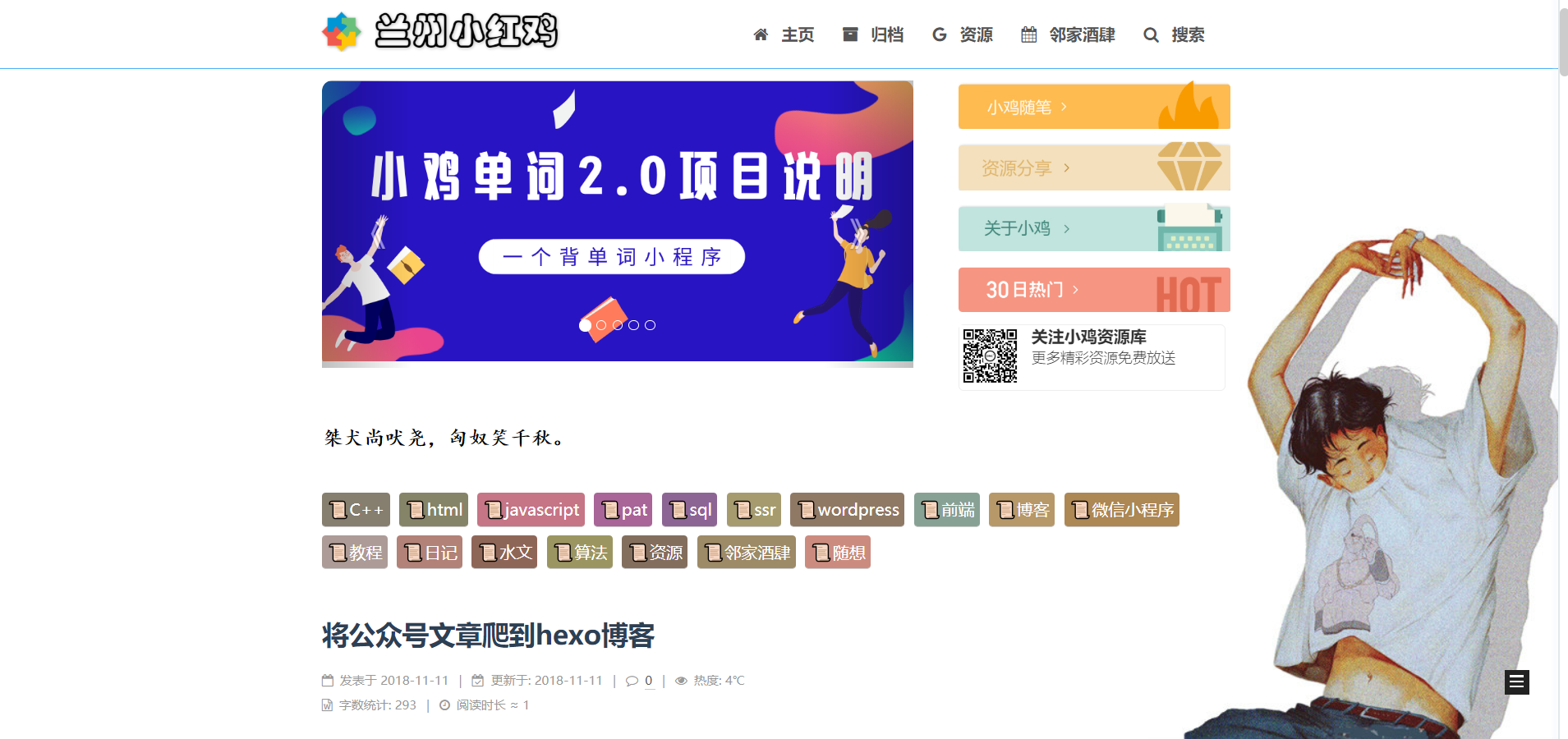
效果图如下

兰州小红鸡

如何实现

  1. 在themes\next\layout下新建swig格式的文件carousel.swig

写入以下内容

1
2
3
4
5
6
7
8
9
10
11
12
13
14
15
16
17
18
19
20
21
22
23
24
25
26
27
28
29
30
31
32
33
34
35
36
37
38
39
40
41
42
43
44
45
46
47
48
49
50
51
52
53
54
55
56
57
58
59
60
61
62
63
64
65
66
67
68
69
70
71
72


<!DOCTYPE html>
<html>
<head>
<meta charset="utf-8">
<title>Bootstrap 实例 - 轮播(Carousel)插件的标题</title>

<link rel="stylesheet" href="https://cdn.staticfile.org/twitter-bootstrap/3.3.7/css/bootstrap.min.css">
<script src="https://cdn.staticfile.org/jquery/2.1.1/jquery.min.js"></script>
<script src="https://cdn.staticfile.org/twitter-bootstrap/3.3.7/js/bootstrap.min.js"></script>

</head>
<style type="text/css">
.glyphicon-chevron-left:before{
content: "《"
}
.glyphicon-chevron-right:before{
content: "》"
}


</style>
<body>

<div id="myCarousel" class="carousel slide" data-ride="carousel" data-interval="3500" style="width: 65%; float: left; height: 280px;">
<!-- 轮播(Carousel)指标 -->
<ol class="carousel-indicators">
{% set index = 0 %}
{% for post in site.posts %}
{% if post.carousel===true %}
<li data-target="#myCarousel" data-slide-to="{{index}}"></li>
{% set index = index+1 %}
{% endif %}
{% endfor %}
</ol>
<!-- 轮播(Carousel)项目 -->
<div class="carousel-inner" style="height: 280px; border-radius: 10px;">


{% set act = 0 %}
{% for post in site.posts %}
{% if post.carousel===true %}
{% if act===0 %}
<a class="item active" href="{{ url_for(post.path) }}" target="_blank" style="height: 100%;">
<img src="{{post.img}}" style="width: 100%; height: 100%;" >
<div class="carousel-caption"></div>
</a>
{% set act = 1 %}
{% elseif act===1 %}
<a class="item" href="{{ url_for(post.path) }}" target="_blank" style="height: 100%;">
<img src="{{post.img}}" style="width: 100%; height: 100%;" >
<div class="carousel-caption"></div>
</a>
{% endif %}
{% endif %}
{% endfor %}


</div>
<!-- 轮播(Carousel)导航 -->
<a class="left carousel-control" href="#myCarousel" role="button" data-slide="prev">
<span class="glyphicon glyphicon-chevron-left" aria-hidden="true"></span>
<span class="sr-only">Previous</span>
</a>
<a class="right carousel-control" href="#myCarousel" role="button" data-slide="next">
<span class="glyphicon glyphicon-chevron-right" aria-hidden="true"></span>
<span class="sr-only">Next</span>
</a>
</div>
</body>
</html>

新建carousel页面

命令

1
hexo new page carousel

然后编辑这个carousel.md文件
头部写入

1
2
3
4
5
6
---
title: carousel
date: 2018-11-12 20:06:34
type: "carousel"
layout: carousel
---

在需要加入轮播图的页面部位加入代码

比如我要在首页加轮播图

那么打开themes\next\layout下index文件

找到

1
{% block content %}

在这段代码的下面加上

1
<iframe src="/carousel/" width="100%" height="320px" style="border: 0px; overflow: hidden; border-radius: 10px;" scrolling="no"></iframe>

然后就OK了

加入新的轮播图

当我们要把哪篇文章设为轮播图时

只需在其md文件的头部加入如下代码加好了

1
2
carousel: true
img: 轮播图片链接

不过每次加入新的轮播图的时候,记得先清理缓存

  1. hexo clean
  2. hexo d -g


我是小鸡,这篇文章的标题是——hexo建站笔记之首页文章轮播图
喜欢的话可以转载,不过记得标记出处

2018年11月14日